
In some cases you may need to start auto increment value of a table in mysql database. I am going to share a very simple way to do that here.
- Open phpmyadmin and click on the Database name from left bar.
- Now, once you have the Database open, click on SQL on top menu.
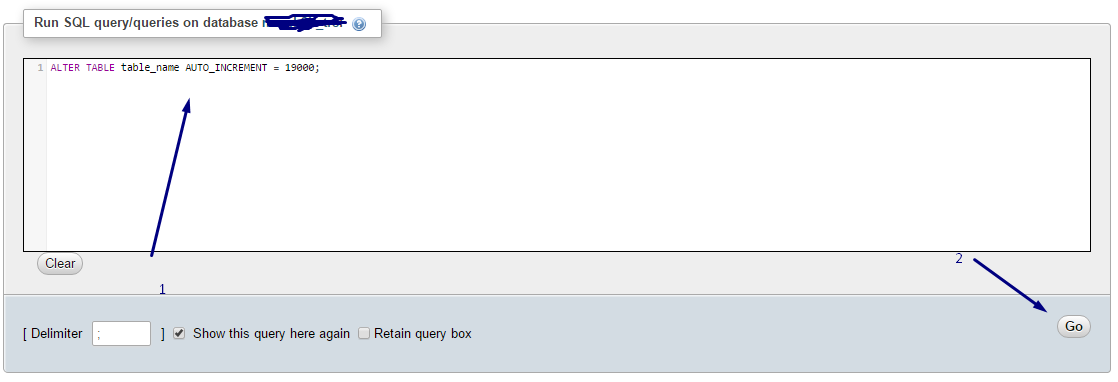
- Put the following line in the textarea:
ALTER TABLE table_name AUTO_INCREMENT = 19005;
Click on go and you’re done…!


One response to “Change start point of auto increment value for a mysql table from PhpmyAdmin”
Getting this in respons:
#1067 – Invalid default value for ‘post_date’